
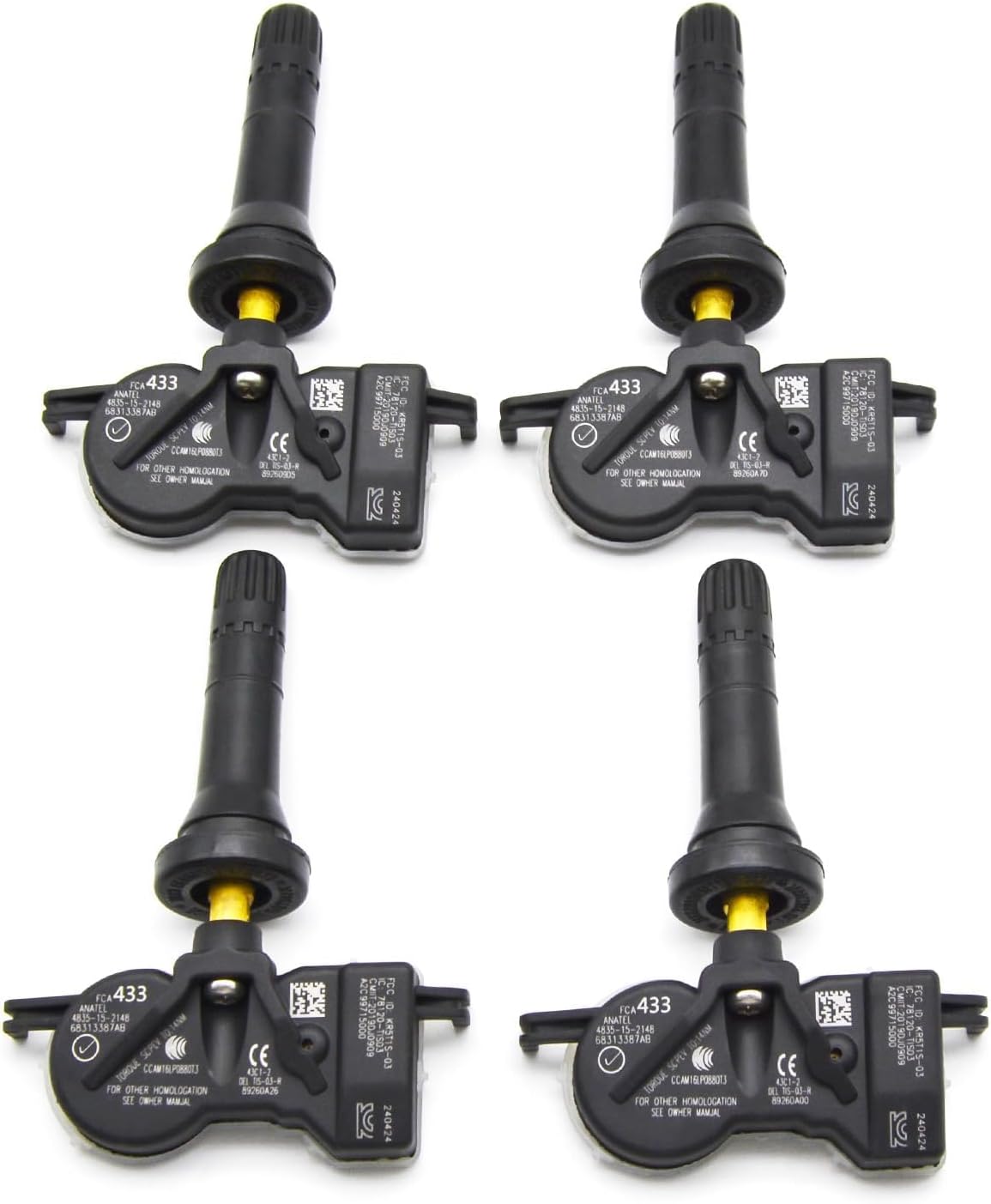
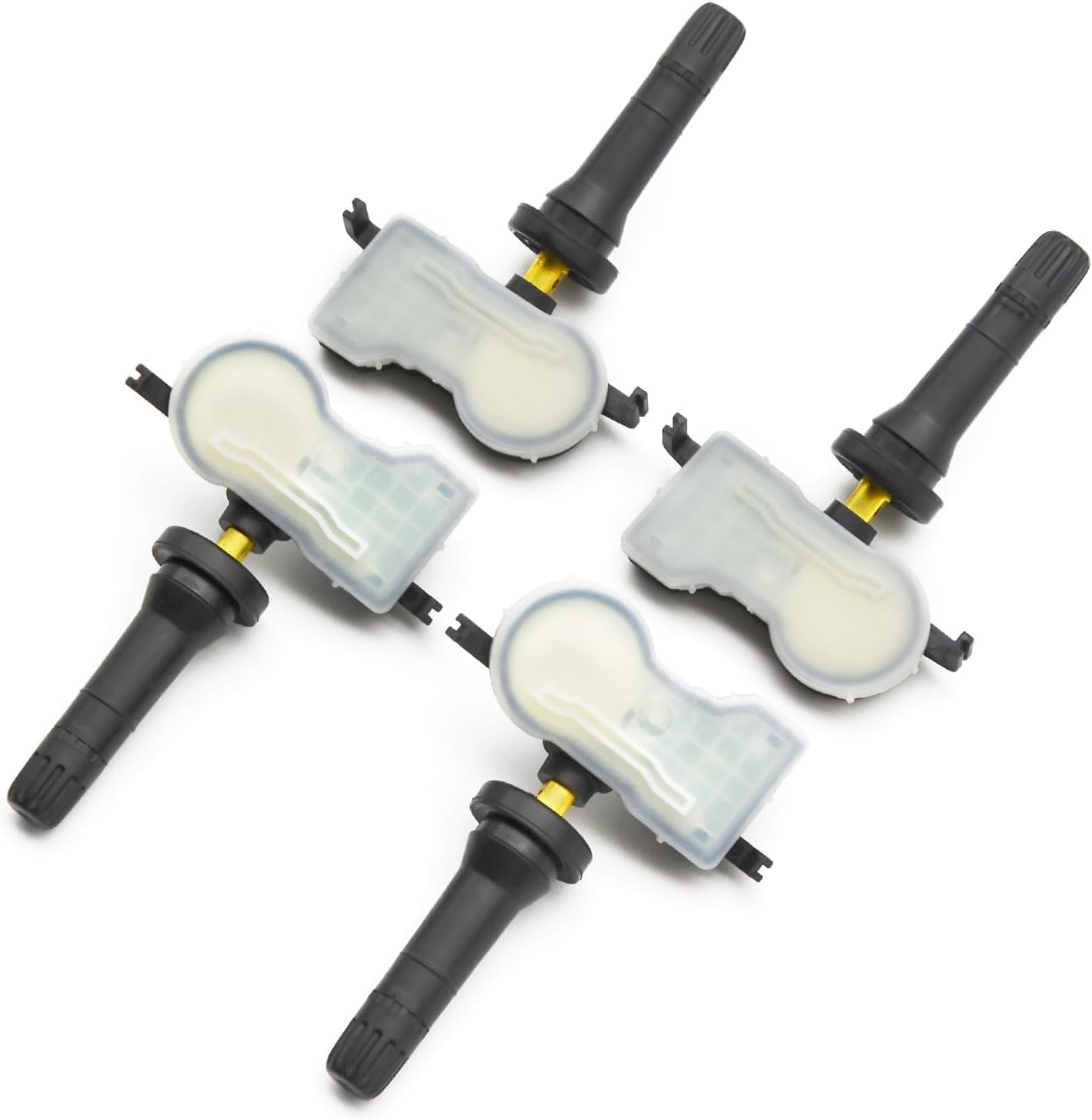
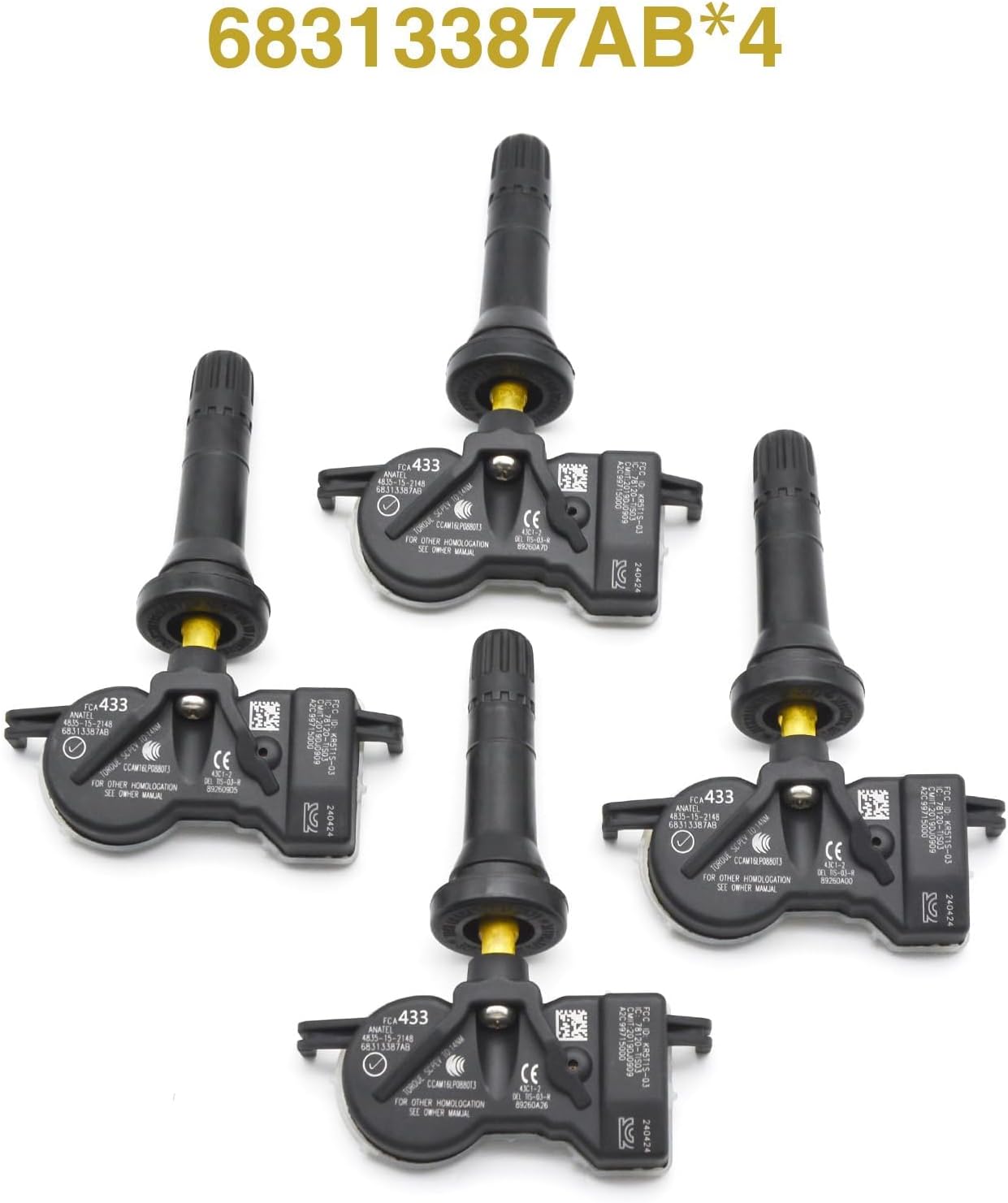
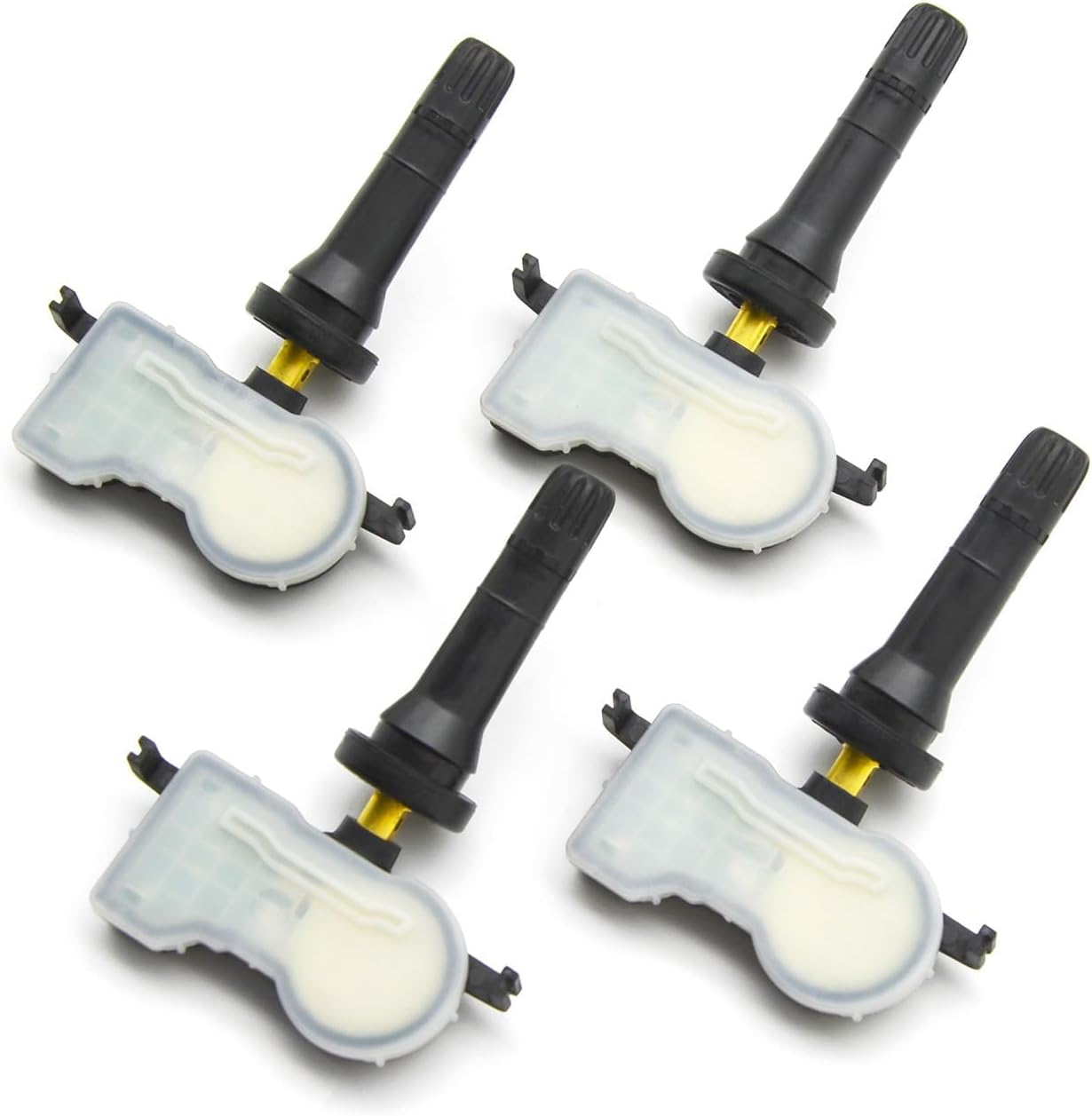
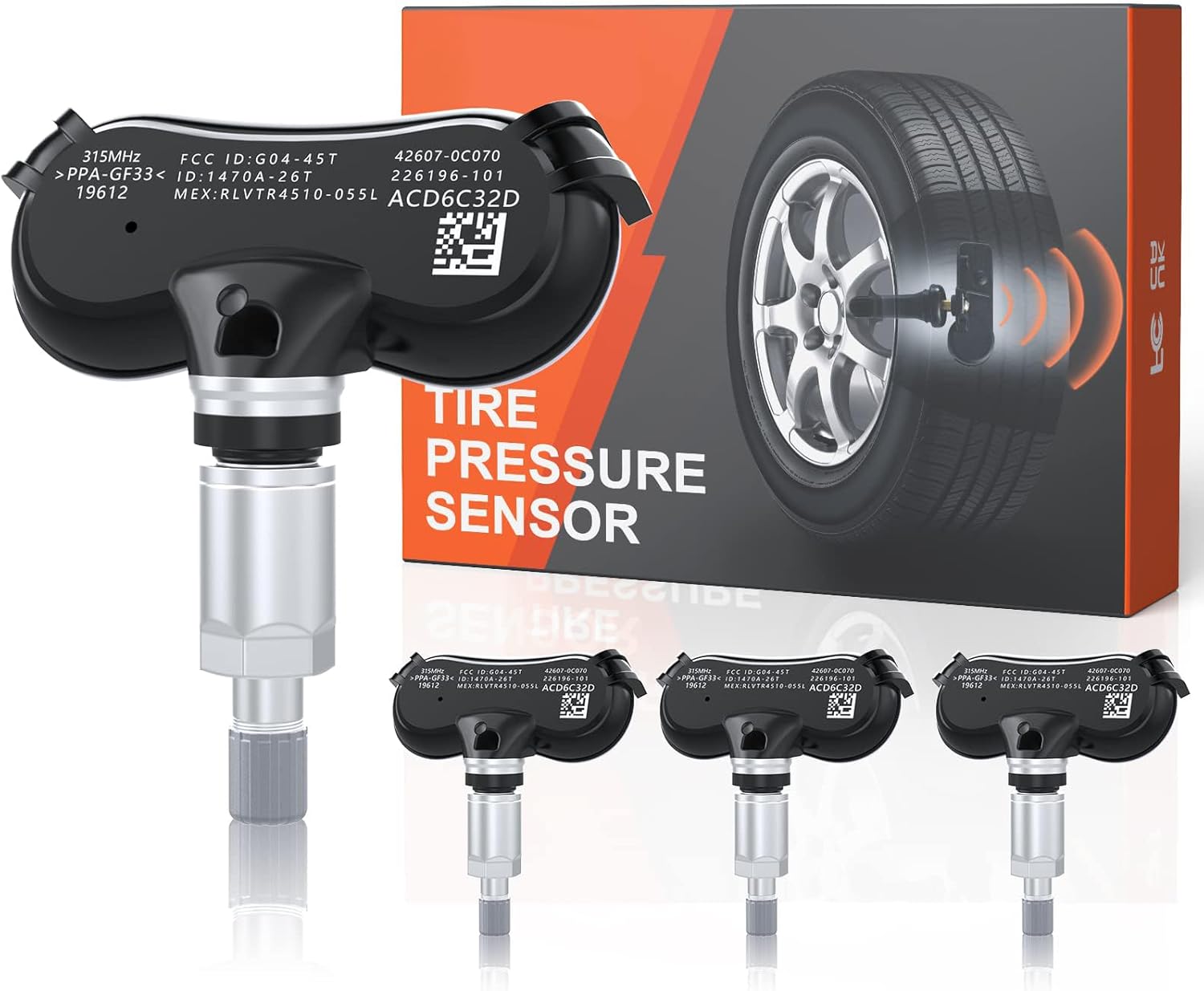
4PCS 433MHz Programmed Tire Pressure Monitoring Sensor TPMS Sensor Fit for Jeep Grand Cherokee Compass, for Dodge Durango Dart, for Chrysler 200 Voyager, Replace 68313387AB
Product details
| Management number | 217701059 | Release Date | 2026/04/19 | List Price | $11.91 | Model Number | 217701059 | ||
|---|---|---|---|---|---|---|---|---|---|
| Category | |||||||||
Fitment Compatible with Chrysler Models For Chrylser 200 2015-2017 For Chrysler Pacifica 2017-2021 For Chrysler Voyager 2020-2021 Compatible with Dodge Models For Dodge Dart 2012-2017 For Dodge Durango 2016-2021 Compatible with Fiat Models For Fiat 500X 2014-2021 Compatible with Jeep Models For Jeep Grand Cherokee 2016-2021 For Jeep Compass 2017 (MP) For Jeep Compass 2018-2021 For Jeep Patriot 2018 For Jeep Renegade 2015-2021 Auto Relearn Set tyre pressure Start the engine On dashboard, set the system into the relearn mode Drive until the relearn is completed Manual Relearn Engage parking brake and inflate all tires Set vehicle into the relearn mode Use tool to activate the Left Front sensor Repeat for RF/RR/LR tires After activate for sensor, relearn complete, the dashboard will show the info Relearn Procedure OBDII connector is required Confirm TPMS sensors are properly installed Adjust tire pressures to placard value Activate TPMS Tool on left front tire sidewall next to the valve stem Repeat for RF/RR/LR tires (Spare)if required Apply OBD connector to DLC Turn ignition to ON, Press OK on TPMS Tool to transfer data to ECU Disconnect OBD connector from DLC Turn ignition to OFF then ON Drive at 12 mph for up to 5 minutes Tips 1. This tire pressure sensor has been programmed in advance, no need to reprogram, just trigger it with tpms scan tool 2. Please DO NOT attempt to start a sensor replacement job if your scan tool or OBD diagnostic tool cannot detect our sensor to display information such as Real ID, Pressure, Frequency
- Fitment: Jeep tpms sensor for Jeep Grand Cherokee 2016 2017 2018 2019 2020 2021, for Jeep Compass 2017 (MP), for Jeep Compass 2018 2019 2020 2021, for Jeep Patriot 2018, for Jeep Renegade 2015 2016 2017 2018 2019 2020 2021. For Dodge Dart 2012 2013 2014 2015 2016 2017, for Dodge Durango 2016 2017 2018 2019 2020 2021. For Chrylser 200 2015 2016 2017, for Chrysler Pacifica 2017 2018 2019 2020 2021, for Chrysler Voyager 2020 2021. For Fiat 500X 2014 2015 2016 2017 2018 2019 2020 2021
- OE Number: TPMS sensors set of 4 for 68313387AB, 68193586AC, 68252493AB, 68105280AG (Please use "amazon confirmed fit" above to verify fitment before purchasing)
- Pre-programmed TPMS Sensor: The Tire Pressure Sensor is 100% new and come pre-programmed specifically for your make/model/year of vehicle, just activate them with TPMS scan tool. The specific operation is as follows. Step 1: Select “Check Sensor” in TPMS scan tool. Step 2-4: Select vehicle brand, model and year. Step 5: Select tire location then push button to trigger. Step 6: Wake up sensor successfully and display sensor information on screen
- Features: The original import chip with accurate design can work at a temperature of -40 to 121 degrees. Tire pressure sensor shell high hardness, not easy to deform, shockproof,corrosion resistance and durability. Small size, portable, good accuracy and sensitivity of sensing tire pressure, easy installation, enhance the safety of your vehicle
- Notice: If your scan tool or OBD diagnostic tool cannot detect our sensor and display information such as True ID, Pressure, Frequency, etc., please do not attempt to replace the sensor. If you have any questions, please contact us and we will respond as soon as possible
| Brand | IZYSS |
|---|---|
| Item Weight | 4.9 ounces |
| Manufacturer | IZYSS |
| OEM Part Number | 68105280AG, 68193586AC, 68252493AB, 68313387AB |
| Package Dimensions | 4.49 x 3.7 x 1.57 inches |
| Manufacturer Part Number | 68313387AB |


Bestseller ranking
Replacement Sensors



Customers who viewed this product also viewed
Bidet Seats


Correction of product information
If you notice any omissions or errors in the product information on this page, please use the correction request form below.
Correction Request Form