
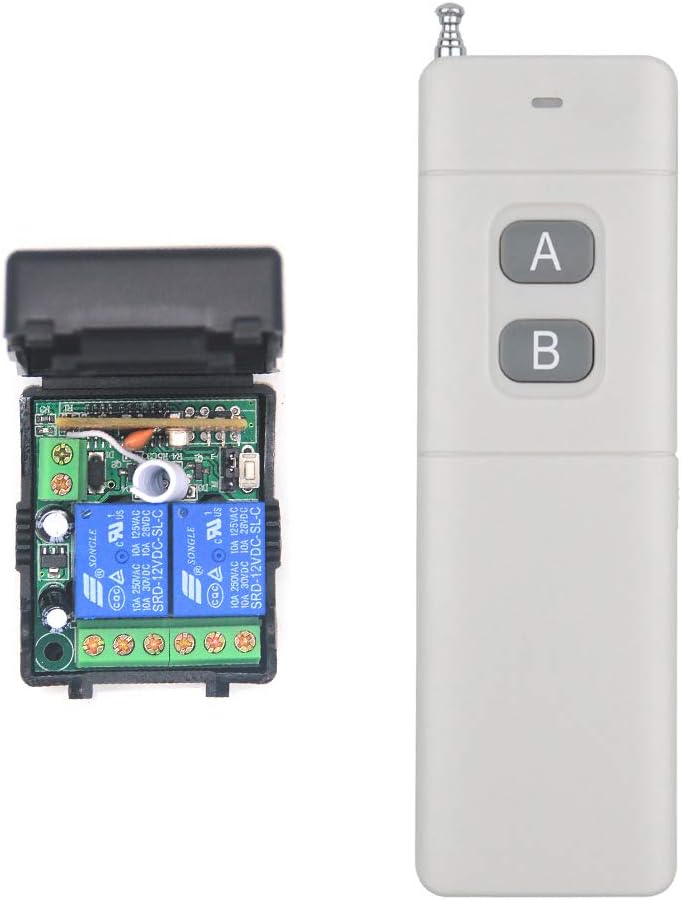
dc 12v Wireless Remote Control Switch 2-Channel Remote Control 2000 Meters Long Distance dc Access Control Remote Control Switch Farm Agriculture Switch Relay Output Water Pump Motor Lighting
Product details
| Management number | 216533525 | Release Date | 2026/04/19 | List Price | $20.80 | Model Number | 216533525 | ||
|---|---|---|---|---|---|---|---|---|---|
| Category | |||||||||
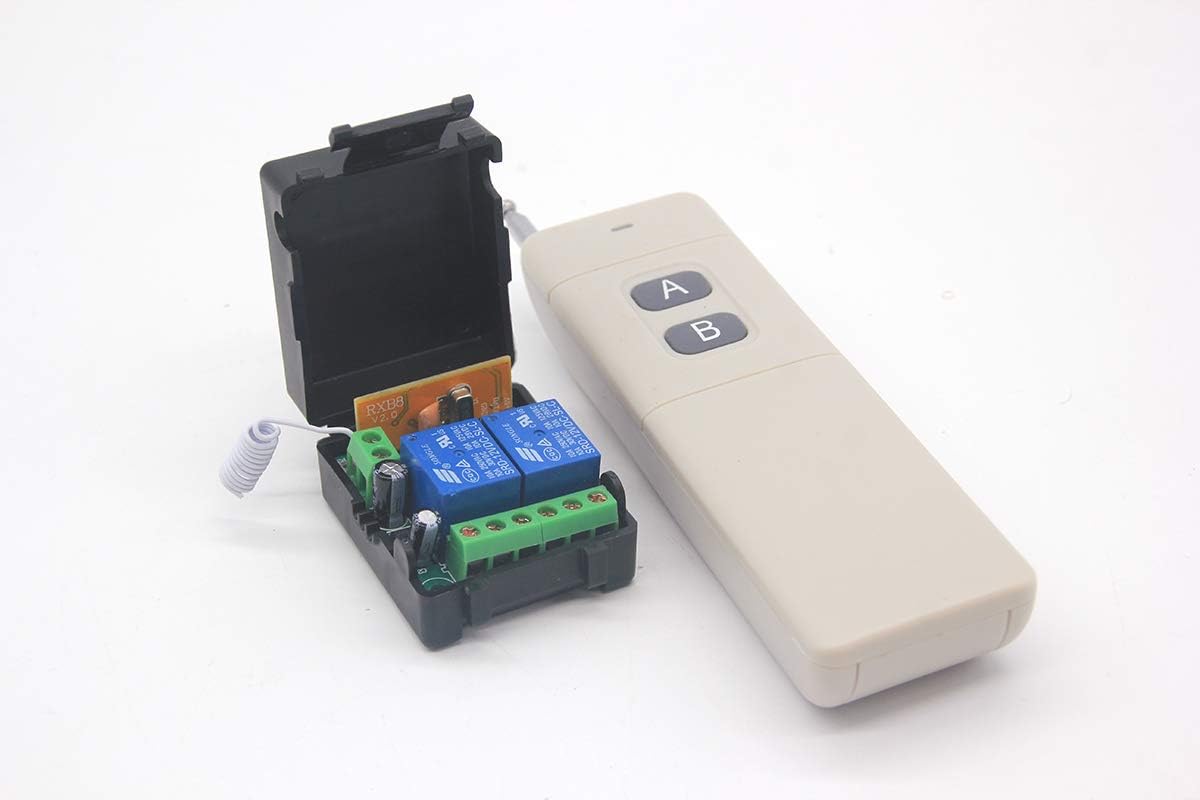
Package Include 1* Receiver 1* Remote Control (with battery, If you need extra remote control , please tell us. ) Parameters: Working voltage: DC12V Receive sensitivity: >-114dB Control Modes: Toggle, Momentary, Latch Maximum Working Current: 10A / each channel Operating Temperature: -20 ° C to +70 ° C Working Range(actual Test distance: 2360M without obstacles in open space) The maximum working distance is a theoretical data, it shall be operated in an open ground, no barriers, no any interference. But in the practice, it will be hindered by trees, walls or other constructions, and will be interfered by other wireless signals. Therefore, the actual distance may not reach this maximum working distance. Control mode Description Toggle (1 button on / same button off) Latch (1 button on / other button off) Momentary (Press and hold -> On; Release -> Off) Set the different control modes: Toggle: Jumper on "T-PIN" + Middle PIN Momentary: Jumper on "M-PIN" + Middle PIN Latch: without jumper Learn method: Turn on the power, Receiver light will light for 3 seconds, After it is extinguished, press the learning button briefly. The indicator light is on. Press the remote control button immediately. The indicator light will turn off. Learn success Clear code:Turn on the power, Receiver light will light for 3 seconds, After light extinguishing, press and hold the learning button of the receiver. The indicator light is on. After 8 seconds, the indicator light flashes three times and goes out. The clear code is successful.
- Application: Pumps, Mud Pumps, Motors, Lamps, Fans, Fans, Insecticide Machines, Sprayers, Car Washers, Bells, etc. Various types of electrical equipment (for home use, power up to 3,000 watts Electrical appliances).
- Wireless control, easy to install. The wireless receiving controller, with high confidentiality, stable performance, low power consumption characteristic, jump line or dial the code switch coding.
- Wireless RF signal can pass through walls, floors, doors or windows. You can use two or more units in the same place. You can turn on/ off the receiver with transmitter (remote control) from any place within a reliable distance.
- Reliable control: The receiver only works with the transmitter which use same code. One/several transmitters can control one/several receivers simultaneously. 10A Relay: Each channel can work at maximum current 10A.
- High sensitivity:RXB8 module, sensitivity -114dBm, sensitivity and anti-jamming capability are far beyond super-renewable and ordinary superheterodyne modules on the supermarket, and the remote control distance is farther and more stable.
| Batteries | 1 9V batteries required. (included) |
|---|---|
| Item Weight | 5.4 ounces |
| Manufacturer | Jiangbao |
| Battery Cell Type | Alkaline |
| Batteries Included | Yes |
| Batteries Required | Yes |
| Package Dimensions | 8.5 x 6.14 x 1.46 inches |


Bestseller ranking
First Aid


Customers who viewed this product also viewed
Bed Mats


Correction of product information
If you notice any omissions or errors in the product information on this page, please use the correction request form below.
Correction Request Form